Webcam or camera for video calls?
Resolution is rarely the problem. Almost every bad video call comes down to light and camera angle.
Overview and disclosure.
Four routes
What matters
What we use
Logitech MX Brio 4K Webcam
Beste Kamera im Haus
Bei uns im Einsatz
Beste Kamera im Haus.
Im Einsatz: Für Kundencalls und Aufnahmen am Schreibtisch
Das ist uns aufgefallen: Der Unterschied zur Laptop-Kamera ist in der ersten Sekunde eines Calls sichtbar, und zwar nicht wegen der Auflösung, sondern weil der größere Sensor mit schlechtem Licht deutlich besser umgeht.
Passt zu
Wer regelmäßig Kundentermine per Video hat und die Kamera fest über dem Monitor lassen will.
Passt nicht zu
Wer ohnehin nur an internen Calls teilnimmt. Dafür reicht die Laptop-Kamera, und das Geld ist in einem Mikrofon besser angelegt.
Does the camera need extra software?
Not for normal use; it registers as a standard camera. The vendor software is only needed to permanently adjust framing or colour.
SMALLRIG P96 LED-Videoleuchte
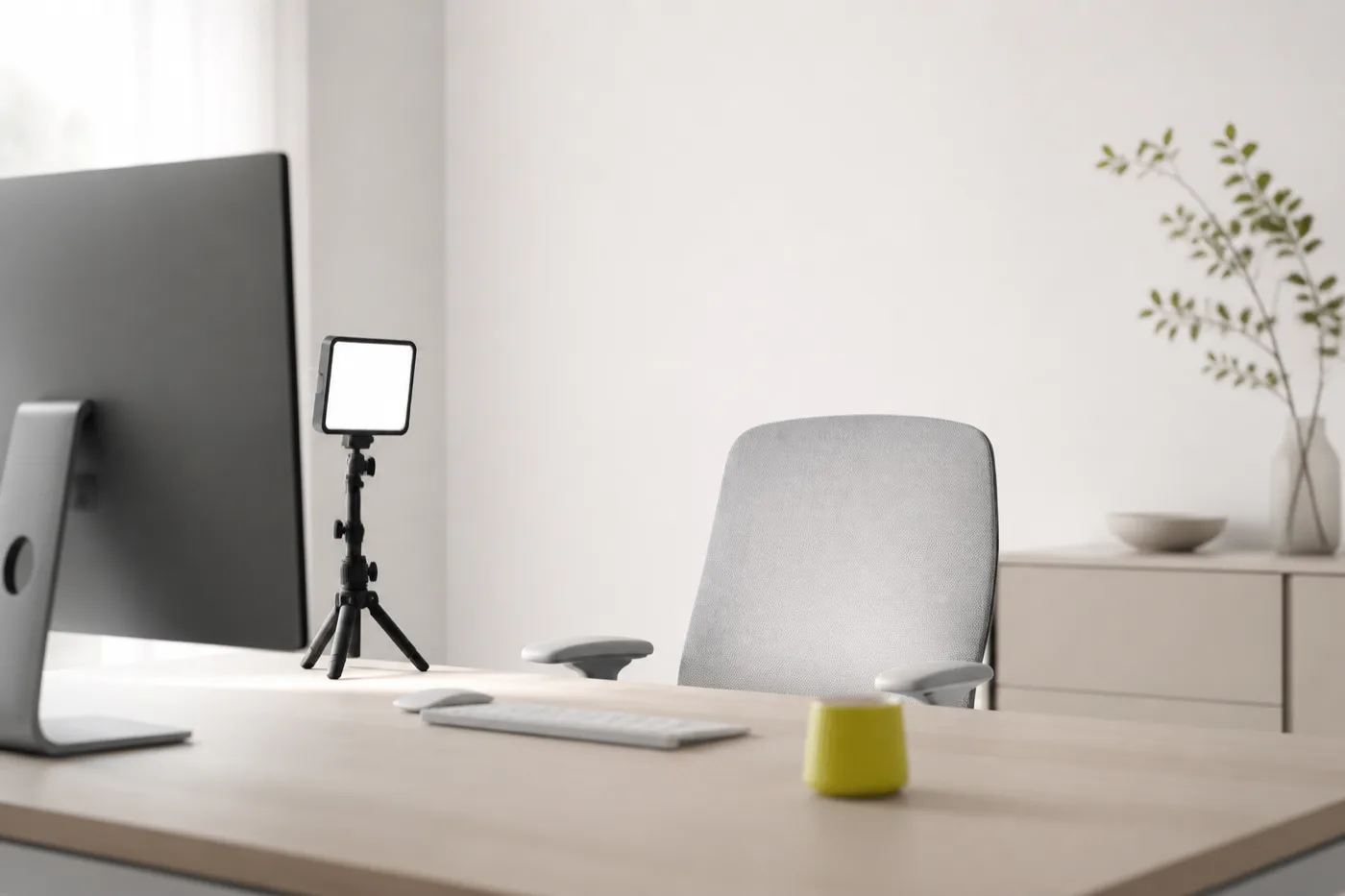
Der eigentliche Hebel
Bei uns im Einsatz
Kleines LED-Licht mit Akku und einstellbarer Farbtemperatur. Für Reels und Videocalls in Räumen, in denen das Tageslicht nicht mitspielt.
Im Einsatz: Für Reels und Videocalls, wenn das Tageslicht nicht reicht
Das ist uns aufgefallen: Akkubetrieb heißt: das Licht steht dort, wo es gebraucht wird, und nicht dort, wo eine Steckdose ist. Die einstellbare Farbtemperatur verhindert den Blaustich, den viele billige Panels erzeugen.
Passt zu
Räume ohne Fenster vor dem Schreibtisch, Aufnahmen am Abend, Reels außerhalb des Büros.
Passt nicht zu
Wer mit dem Gesicht zum Fenster sitzt und nur tagsüber Calls hat, braucht es nicht.
Is one light enough or do you need two?
One is enough for calls, placed frontally and slightly to the side. Two lights is a video-production topic, not a meetings one.
Which one for which case
FAQ
01
Is the laptop webcam enough for client calls?
Fine internally. For client calls it is the weakest option.
02
Do you really need 4K?
No. Most conferencing compresses anyway.
03
Better camera or better light?
Light, by a wide margin.
04
Connect the webcam to the dock or the computer?
Both work. If the picture stutters on a stable connection, too many devices may share one hub.
05
How should the camera be positioned?
At eye level or slightly above, centred over the monitor.
Related: Microphones · Setup Lab.