Which docking station for laptop and MacBook?
A docking station pays off the moment you plug and unplug your laptop more than once a day. It replaces four to six cables with one.
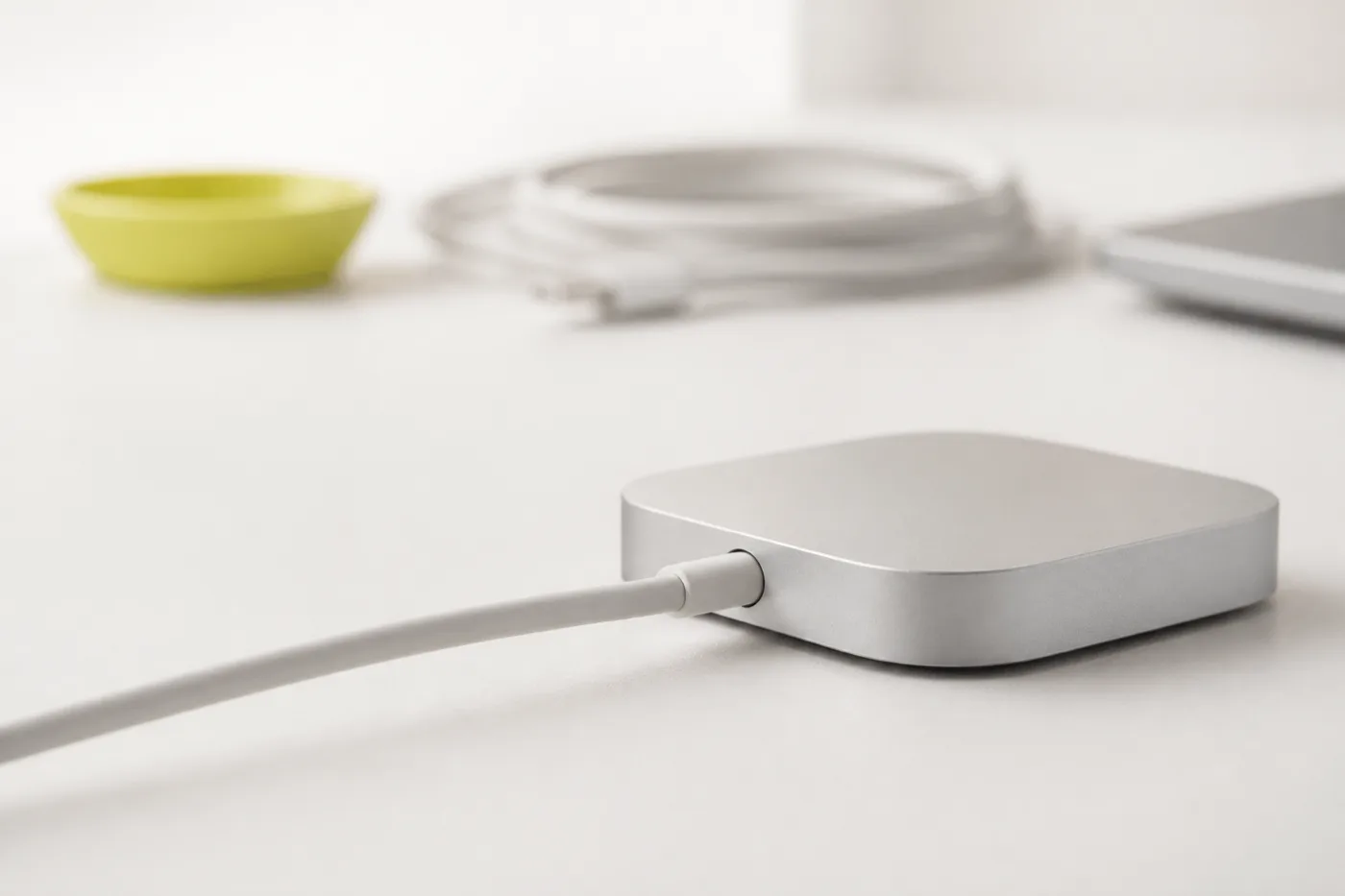
Auf einen Blick
| Gerät | Rolle | Am besten für | Beleg |
|---|---|---|---|
| Amazon Basics Thunderbolt 4 Pro Dock | Unsere Empfehlung | Zwei Monitore, tägliches Andocken | Bei uns im Einsatz |
| UGREEN Laptop-Ständer vertikal | Sinnvolle Ergänzung | Platz am Schreibtisch | Bei uns im Einsatz |
Wann brauche ich überhaupt eine Dockingstation?
Die ehrliche Antwort: nicht immer. Wenn Ihr Laptop dauerhaft am selben Platz steht und nur einen Monitor bedient, reicht ein USB-C-Kabel oder ein einfacher Hub. Eine Dockingstation lohnt sich, wenn mindestens zwei Punkte zutreffen: Sie stecken täglich an und ab, Sie fahren zwei Monitore, Sie hängen Tastatur, Kamera und Netzwerk fest an, oder Sie wollen den Laptop über dasselbe Kabel laden.
Worauf es wirklich ankommt
- Leistung am Laptop-Port. Der wichtigste und am seltensten genannte Punkt. Docks werben mit der Gesamtleistung des Netzteils und liefern davon nur einen Teil an den Rechner. Für ein Ultrabook reichen 60 W, für ein MacBook Pro sollten 85 bis 100 W ankommen.
- Thunderbolt oder USB-C. Gleicher Stecker, andere Bandbreite. Thunderbolt 4 garantiert zwei 4K-Monitore bei 60 Hz. Reine USB-C-Docks teilen sich die Bandbreite und drosseln bei zwei Monitoren gern auf 30 Hz, was man am Mauszeiger sofort sieht.
- Ihre konkrete Monitorkombination. "Bis zu 8K" heißt nicht "zwei mal 4K bei 60 Hz". Prüfen Sie die Kombination, nicht die Maximalangabe.
- Netzwerkanschluss. Ein RJ45-Port ist im Videocall stabiler als jedes WLAN und wird regelmäßig unterschätzt.
- MacBooks im Besonderen. Apple-Geräte sind wählerisch beim Displayport-Alt-Mode. Bei Macs ist Thunderbolt die sichere Bank.
Welches für welchen Fall
- Ein Monitor, Laptop bleibt liegen: kein Dock. Ein USB-C-Hub kostet einen Bruchteil und reicht.
- Zwei Monitore, täglich andocken: Thunderbolt 4. Alles andere ärgert Sie beim zweiten Bildschirm.
- MacBook im Wechsel mit Windows: Thunderbolt, weil es auf beiden Seiten ohne Datenblattstudium funktioniert.
- Der Schreibtisch soll leer aussehen: Dock plus vertikaler Ständer. Das ist die eigentliche Kombination, nicht das Dock allein.
Passend dazu: welcher Monitor fürs Büro? und ist ein Laptopständer sinnvoll?
FAQ
Mit * markierte Links sind Partner-Links: Kaufen Sie darüber, erhalten wir eine Provision, der Preis bleibt für Sie gleich.
Schreibtisch-Cluster: Monitor fürs Büro · Laptopständer · unser gesamtes Setup.